20 Things You Didn’t Know Your Smartphone Could Do

If you’re like most people, the thought of leaving your house sans smartphone is akin to leaving an appendage behind. According to the Pew Research Center , 77 percent of Americans own a smartphone, and they’re spending an average of five hours a day checking in with their preferred digital device. However, despite all that time we spend on our phones, there are a surprising number of secret features—stuff even the most avid techies aren’t familiar with.
Whether you want to get home safer, instantly track an elusive selfie, or make sure your painting is properly aligned, these 20 things you didn’t know your smartphone could do might just make an otherwise-distracting device feel a whole lot more useful. Read on, and see your life improve immediately. And for more info on your most essential device, discover these 20 Amazing Facts You Never Knew About Your Smartphone .
Alamy
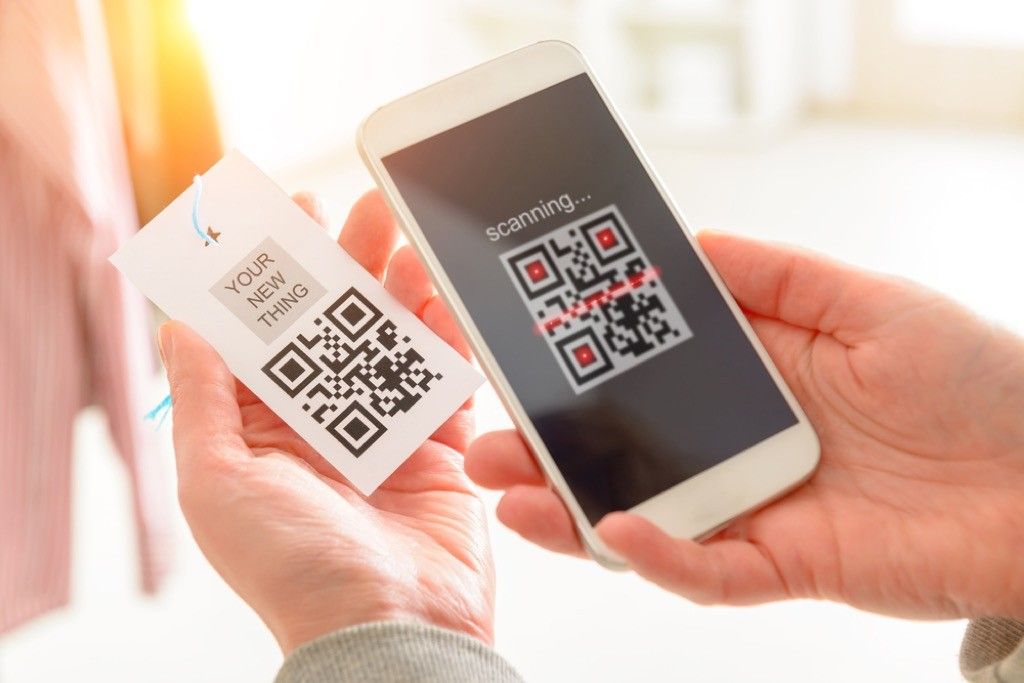
While you used to have to have a specialized QR code reader app on your phone, now you can simply point your iPhone camera at QR code and have it scan automatically. All you have to do is open your camera app, focus your camera on the QR code, and then tap the resulting notification that takes you to the product page or website. Luckily, the same can be done on an Android as well by opening the Google App, enabling screen search, and following the same protocol. And if you’re feeling ready to untether, discover these 11 Easy Ways to Conquer Your Smartphone Addiction .
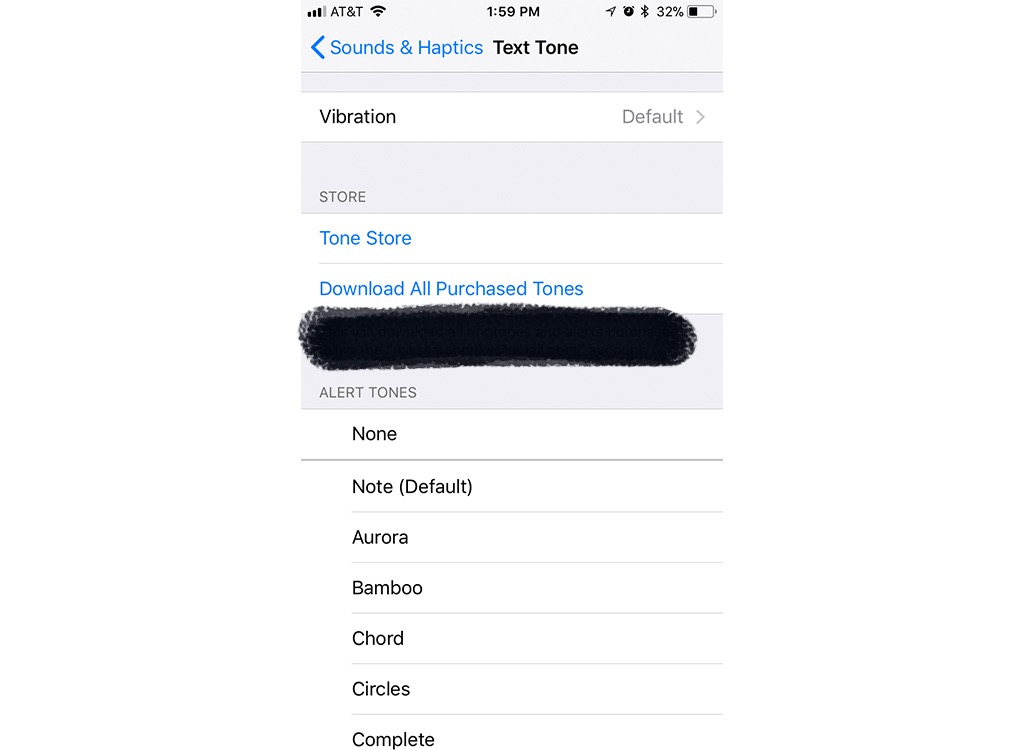
If you’re the kind of person who feels uneasy when their smartphone isn’t in hand, but are also just polite enough not to bust it out in the middle of a movie theater, customized vibration patterns might just save you some frustration by letting you know whether a call coming through is urgent or not. After going into Settings on your iPhone, click Sounds & Haptics. Click on Ringtone or Text Tone, and, at the top, you’ll see an option for Vibration. Click this and scroll down until you find the section that says Custom, underneath which you’ll click Create New Vibration. In this part of the app, you can create your own customized vibration pattern, which you can then assign to contacts. And if you want to pass the time without a digital distraction, discover these 20 Genius Ways to Kill Time Without a Smartphone .
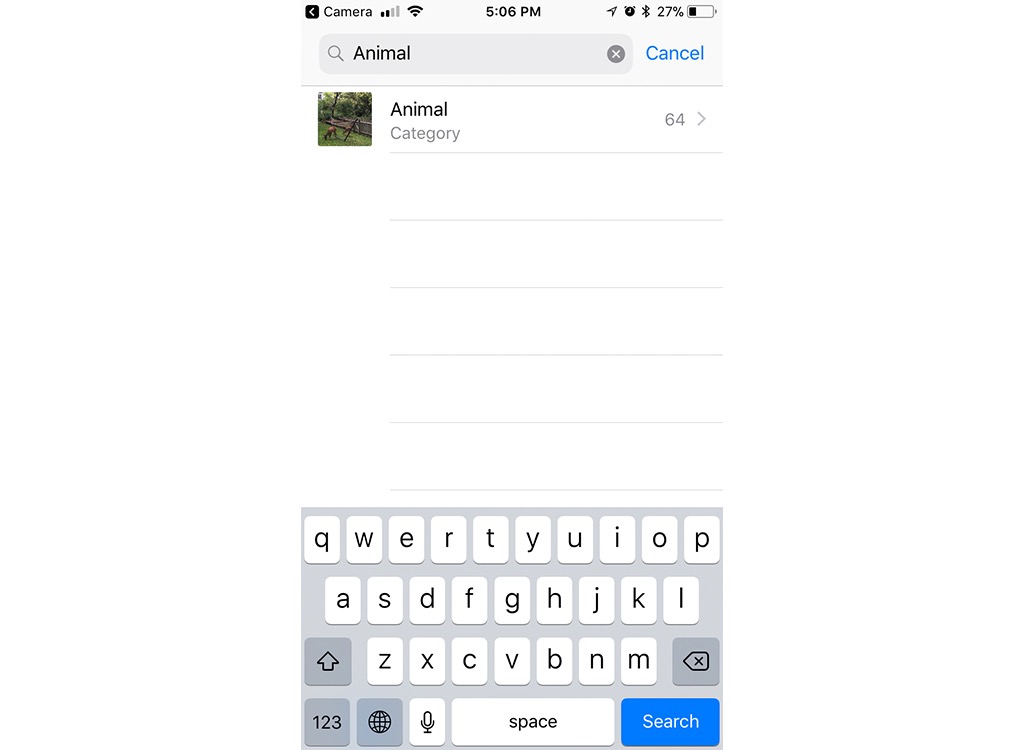
Can’t remember when you took that really cute selfie, but wouldn’t mind using it for your new Tinder or Bumble photo? Don’t worry, finding it is easier than you think. Using the search function at the top of your Photo app, you can search by category. For example, type in the word “cat” and photos of you and your beloved feline friend should pop up.

Not sure what’s going wrong with your car, but aren’t in the mood to pay a mechanic hundreds of bucks to tell you it’s nothing? There’s an app for that. Download the Automatic Pro app for your iPhone or Android device and you’ll get an adaptor that allows you to plug it into your car’s ODB-II port, usually located near the base of the steering column. Once it’s plugged in, the app can remind you where you parked, diagnose engine trouble, and even alert your loved ones in the event of an accident.
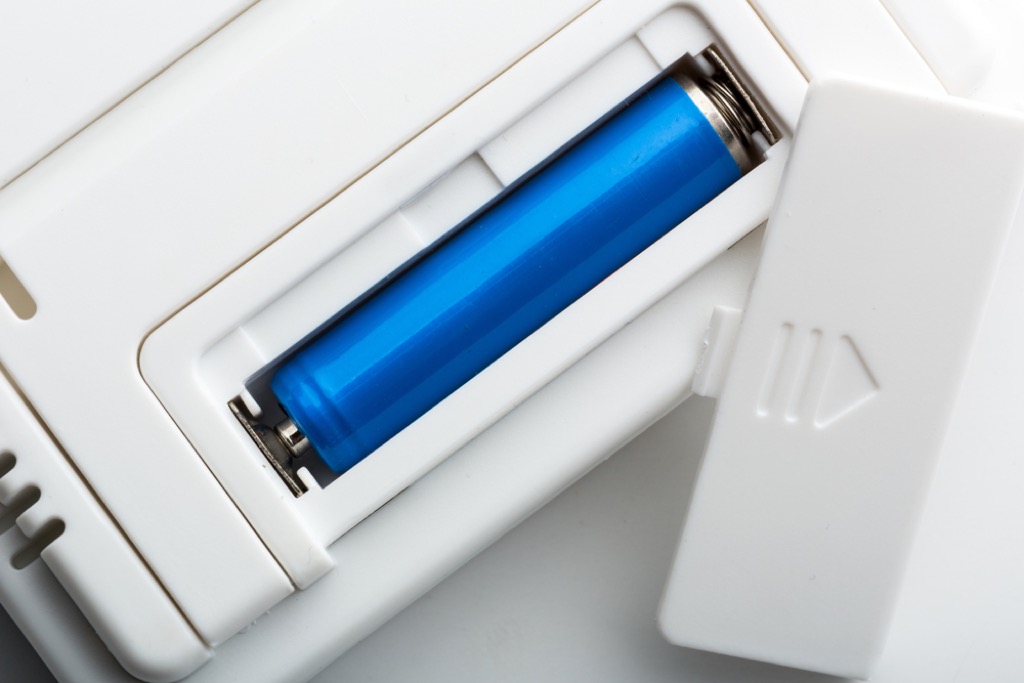
We’ve all been there: your favorite show is about to come on, and the remote suddenly stops working. However, figuring out if it’s a problem with your service or your remote can waste precious time you could be using to absorb every second of the latest Westworld . The good news? You can find out what the problem is fast using your smartphone. Simply point your remote at your phone’s front-facing camera and press any button. If you can see the infrared light from the remote flashing on the screen, your remote is working. If not, it’s time to change those batteries.
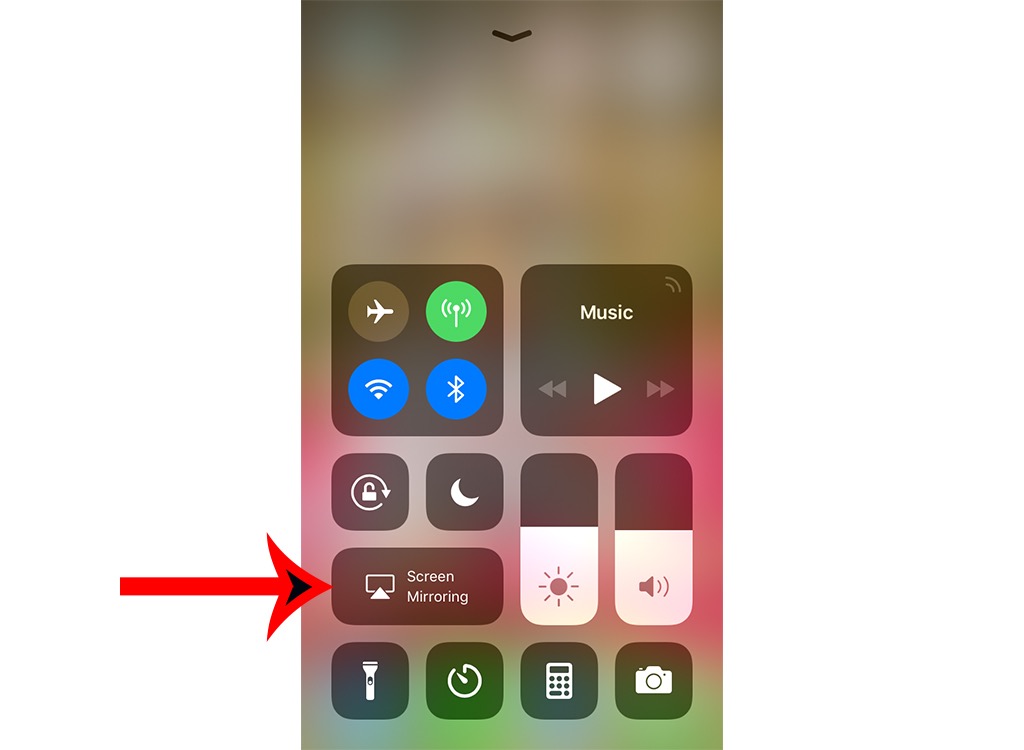
Thinking that episode of Game of Thrones would look a lot more epic if you weren’t watching it on a six-inch screen? There’s an easy workaround. On your iPhone’s home screen, swipe up and you’ll see an option for Screen Mirroring. Provided you have an Apple TV, all you need to do is click and your screen mirroring app, stand sufficiently close to your Apple TV, and enter your AirPlay passcode, if prompted. Luckily, you can do the same using an Android phone, as well, if you have a Chromecast or Chromecast-enabled device. Even if you don’t have an Apple TV, you can still do the same with your iPhone by downloading third-party apps, like Reflector or AirServer , onto your computer and using the mirroring feature as described. And for more techie fun, check out these 20 Long-Predicted Technologies That Are Never Going to Happen .

Shutterstock
Getting a little freaked out when you’re walking home at night is natural, but there’s an easy way for your phone to keep you safer. The bSafe app, available for both iPhone and Android, allows you to send invitations to selected contacts to track your location, set a timer that will trigger a distress call to your contacts if you haven’t made it home within a specified time frame, and can even schedule fake calls to make it seem as though you’re talking to someone on your trip home. And for more ways to protect yourself, discover how This New iPhone Feature Could Help Save Your Life .
Shutterstock
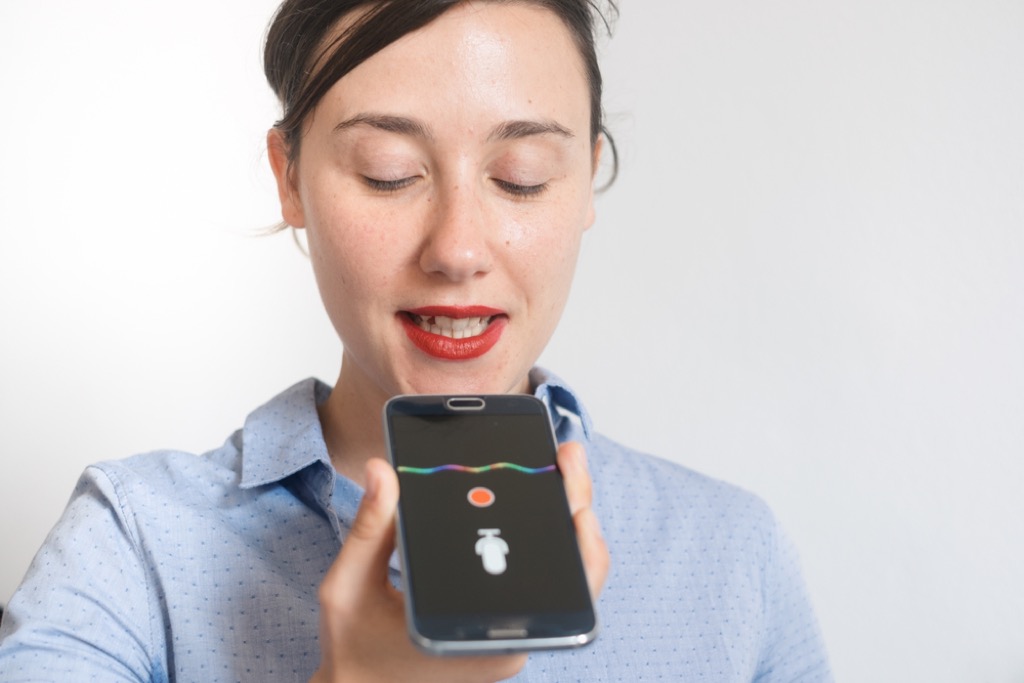
If you’ve ever wished Siri could stop mispronouncing words or names you use frequently, there’s an easy way to fix that. Activate Siri and tell her to pronounce word or name she regularly mispronounces. Once she’s repeated the word, say, “You’re pronouncing [that word] wrong,” and you’ll be invited to say the name properly. Next, you’ll be given a list of options for correcting Siri’s pronunciation.
Shutterstock
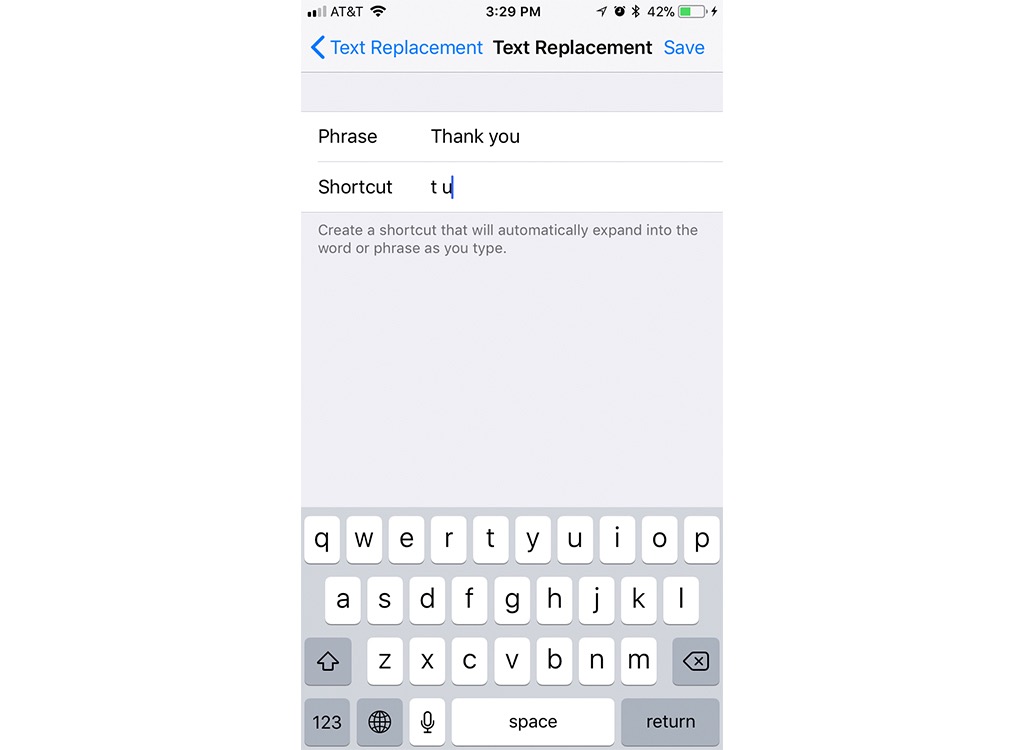
If you’re eager to save yourself serious time when you type, try creating some text replacement shortcuts on your phone. On your iPhone, go into Settings, click Keyboard, and click Text Replacement. In the upper right hand corner, press the plus symbol and you’ll be instructed to add phrases that you’d like to type shorthand or use emojis for. In the future, when you type those characters or symbols, the word you’re going for will pop up. And when you want to get smarter about your phone habits, make sure you know The Genius Way to Stop Pocket Dialing People .

Shutterstock
Don’t have a level handy? Not a problem. Simply download the Bubble Level app for either iPhone or Android and you have an easy-to-use level right in your pocket, helping you get the right angle the first time and every time.
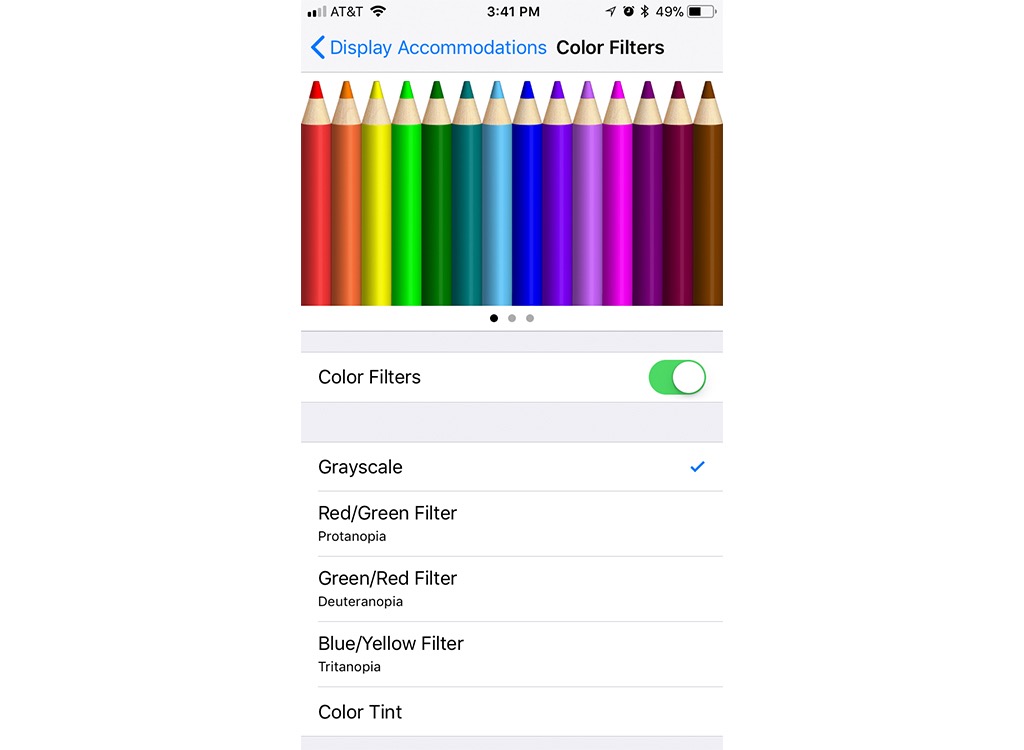
Want to make your phone less appealing—and less likely to wake you up—when you’re trying to get some sleep? Just enable grayscale. Go to your phone’s settings, click Accessibility, select Display Accommodations, and select Color Filters. Once inside, you can enable grayscale, making your screen dimmer and those icons on your home screen a whole lot less appealing.

Shutterstock
A safer ride behind the wheel can be as simple as using your phone. With the BACtrack smartphone breathalyzer, a tiny device that connects with an app on your phone, you can quickly and easily tell when it’s time to call a cab, keeping yourself and everyone else on the road safer in the process.

Want to quickly and easily undo a mistake? Simply shake your iPhone and an option to undo what you’ve just written will pop up. Luckily, for those using Androids, there’s a Shake to Undo module that you can download to enjoy the same effect.
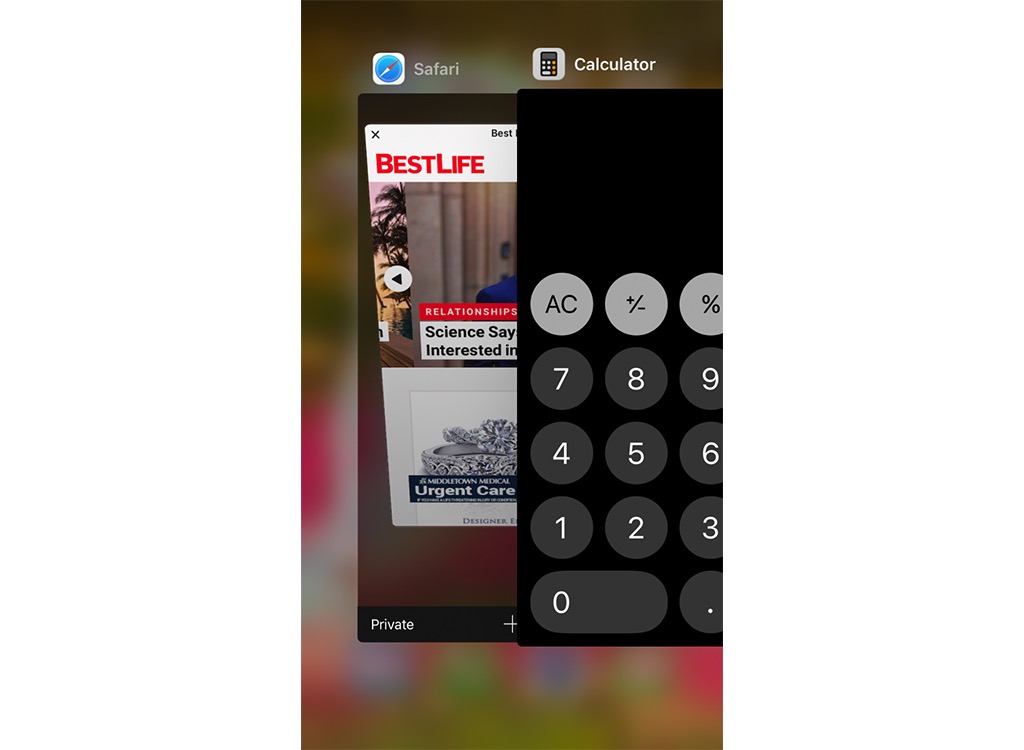
If you’re eager to clear your screen of all those apps you have open, but don’t feel like going through them individually, there’s an easy way to fix that. Simply swipe up with multiple fingers at once and you can close them all in one fell swoop. And for Android users, apps like KillApps will do the same thing for you in seconds, and can even preserve your battery life in the process.
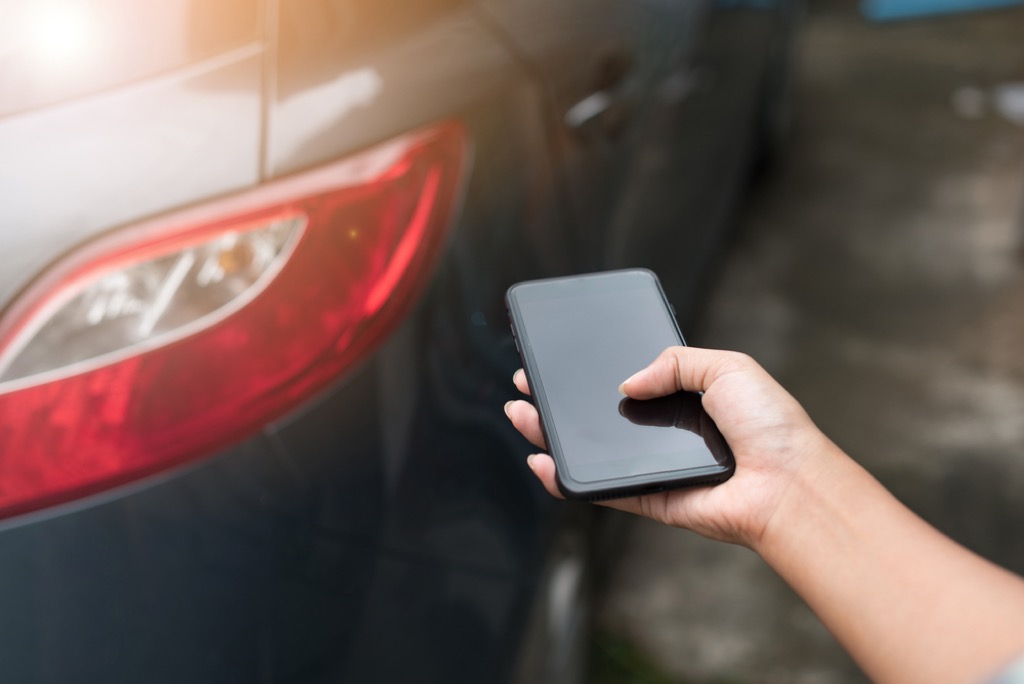
Making your car safer is as easy as opening an app on your phone. With Viper SmartStart , you can lock, unlock, and even remotely start your car with the touch of an app. Better yet, depending on the system you use, you can easily diagnose problems with your car using the app, as well.

Don’t want to risk an accident by staring down at your GPS while driving? With Hudway , you never have to choose between safety and effective navigation again. This augmented reality app, available for both iPhone and Android, projects directly onto a dash-mounted screen, making it easier to keep your eyes on the road and get to your destination safely.
Shutterstock
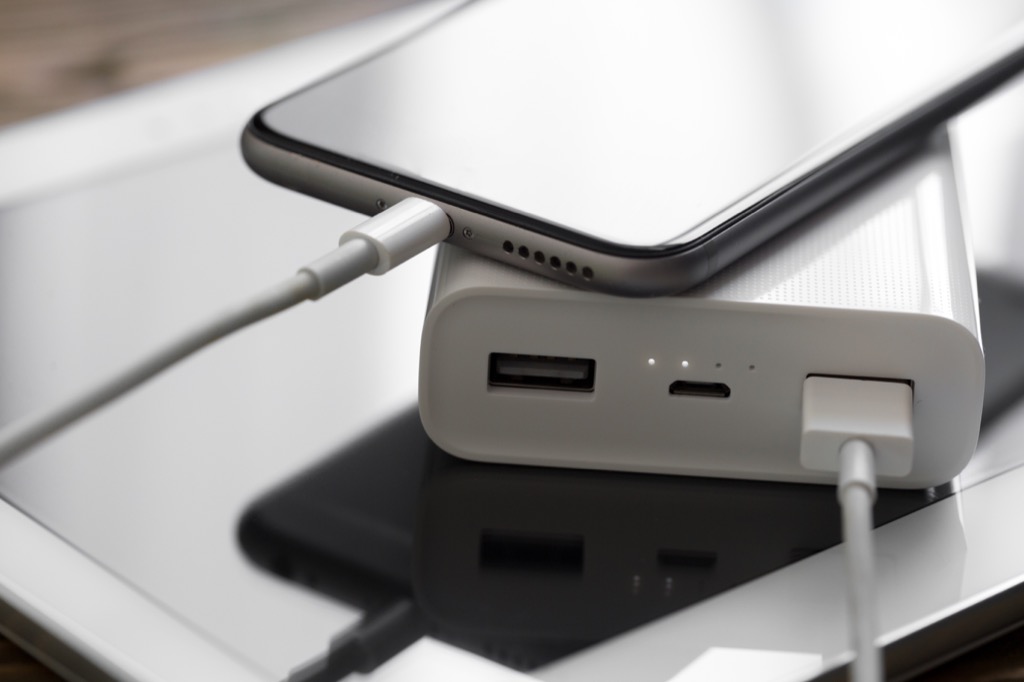
If it feels like your phone takes forever to charge, there’s an easy way to fix that. Simply enable Airplane Mode on your iPhone or Android and you’ll be amazed at how much faster your battery powers up.

Shutterstock
Wondering what that plane is doing flying so low over your neighborhood? There’s an easy way to find out. Simply ask Siri what planes are overhead and you can immediately see which airlines are flying near you, and at what angle and altitude.

Shutterstock
Even if you don’t have a fitness tracker, your phone can do some of the heavy lifting for you. With the Instant Heart Rate app, you can use your phone’s camera (on Android) or home button (on iPhone), you can measure your heart rate throughout the day or during your workout to ensure you’re getting into the maximum fat-burning zone. And if you feel like your smartphone habit is getting the best of you, make sure to check out The 30 Best Reasons to Take a Digital Detox .
10 Next-Level Cameras Way Better Than Your Smartphone

Anyone can just take a picture. A photographer makes an image. Today’s phone cameras are amazing, but they’re not without limitations. When you find yourself wanting more control, like the ability to zoom in from a distance, shoot fast-moving sports, or make wall-sized prints, it’s time to consider a dedicated camera. And if you’re concerned that there is too much involved in learning how to use one effectively, rest assured that with a little practice, you’ll be hooked and continue to enjoy a hobby that lasts a lifetime. To get the most out of a camera, though, it pays to understand the fundamentals of photography .
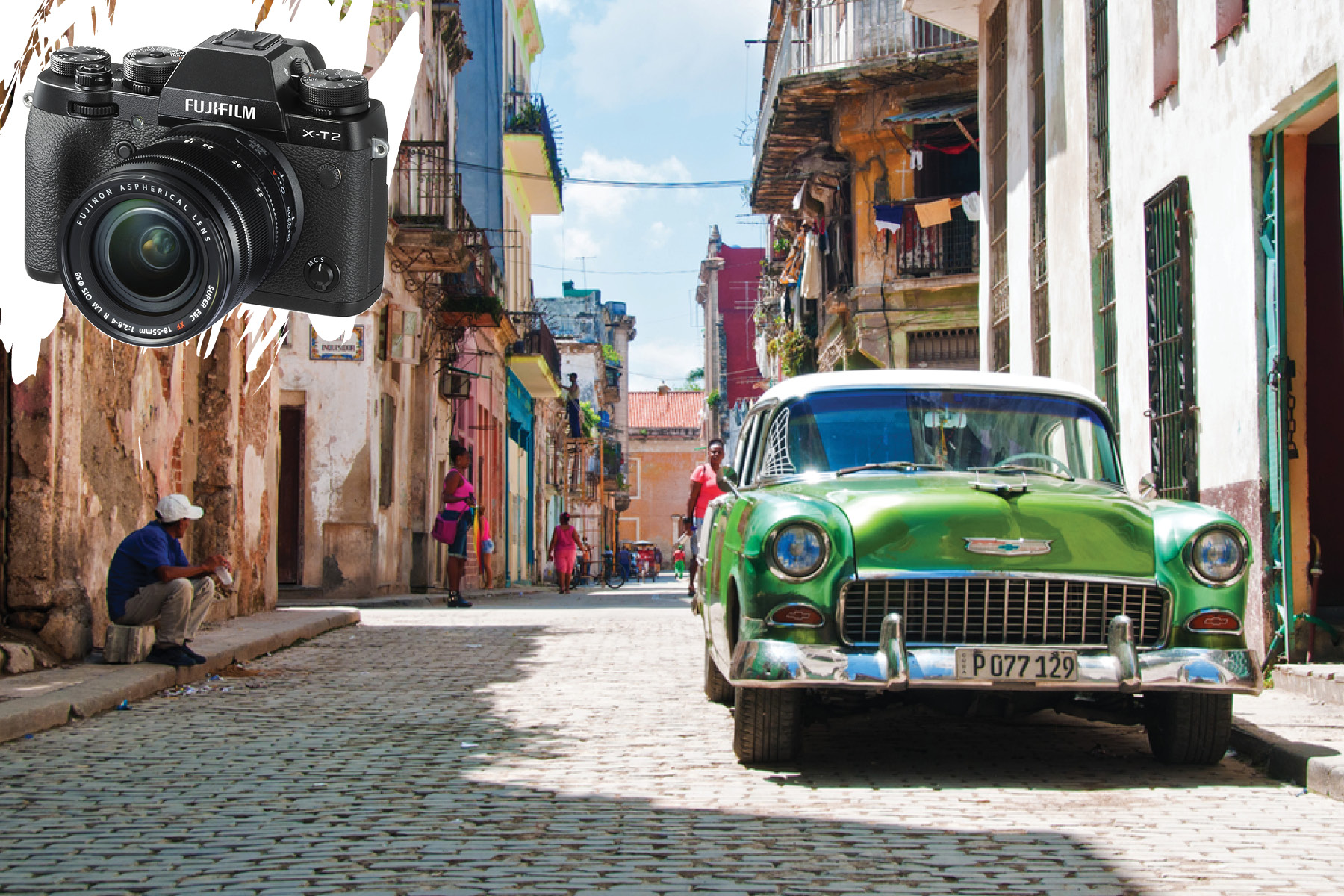
The X-T2 mirrorless camera features interchangeable Fujifilm X mount lenses and comes equipped with a 24.3-megapixel APS-C sensor. Fuji cameras produce gorgeous images, even in low light. Capture fast action at up to 8 frames-per-second with full autofocus tracking, or at up to 14 frames-per-second using the silent electronic shutter. Packed with Ultra High Definition 4K video recording complete with Fuji’s array of film simulations for both photo and video. For the best deal, go for the body and lens kit with an 18-55mm zoom lens.

From Nikon’s DX-format DSLR line comes this robust, tough-as-nails, compact action camera, understudy to the pro-level FX line. Equipped with a 20.9-megapixel sensor, it excels for both still and video shooters with fast, ten frames-per-second continuous capability along with 4K UHD video recording. The unique sensor and processor combination delivers an astonishing 164,0000 ISO rating permitting shooting in virtual darkness.
It features a 153-point autofocus system for fast performance and accurate subject tracking. An articulating LCD touchscreen allows for comfortable shooting from high and low angles. It comes with Wi-Fi and Bluetooth connectivity for wireless image sharing. Its rugged magnesium alloy chassis is both dust- and weather-sealed for intrepid adventure travelers.

The retro-styled compact X100F recalls the classic Leica M cameras of decades past. With a fixed-focal length 35mm equivalent f/2.0 lens, the small Fuji is for photographers who enjoy a weightier feel in their hands with the simple, manual, external controls of traditional 35mm rangefinder cameras. Its advanced 24.3-megapixel APS-C sensor captures high-resolution still images and video even in low-light situations. Quick, accurate auto-focusing, fast shooting speeds, and compact size make this handsome gadget a faithful travel companion.
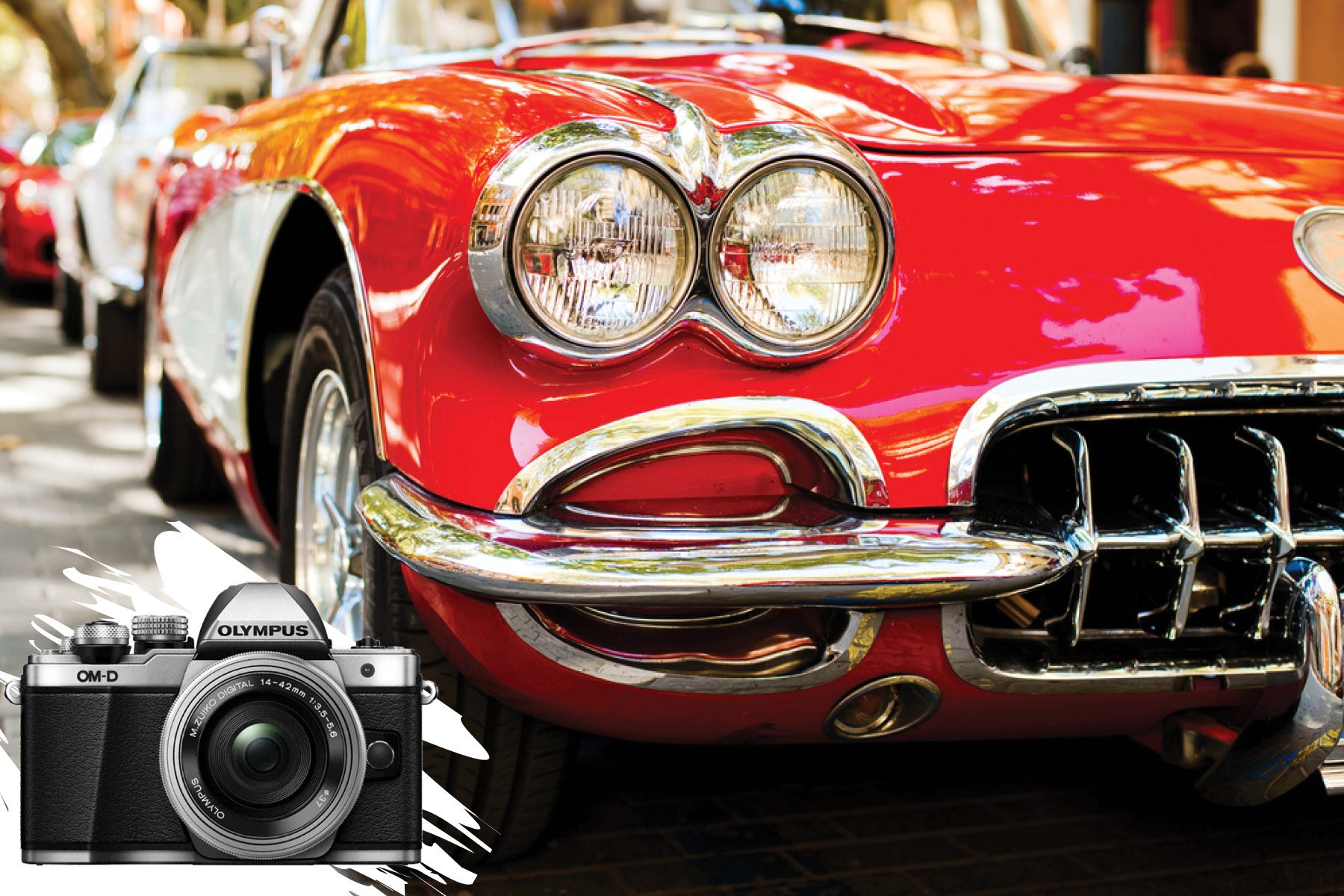
Another classic-inspired camera, the OM-D E-M10 Mark II is a mirrorless Micro Four Thirds fixed-lens body with a 14-42mm f/3.5-5.6 zoom lens. Capable of refined still captures and movie recording capabilities in nearly any situation, its 16.1-megapixels can fire at up to 8.5 frames per second. It also packs full high-def 1080p/60 video with impressive low-light performance. In-camera image stabilization compensates for up to 4 stops of camera shake, and its contrast-detection autofocus system features dedicated subject tracking modes.
A variety of shooting functions includes Silent Mode, which utilizes an electronic shutter for perfectly quiet image captures up to 1/16,000 of a second. Built-in Wi-Fi allows you to pair the camera with your smartphone or tablet for wireless sharing and remote camera control, and the interval shooting mode can be used to produce in-camera 4K time lapse movies.
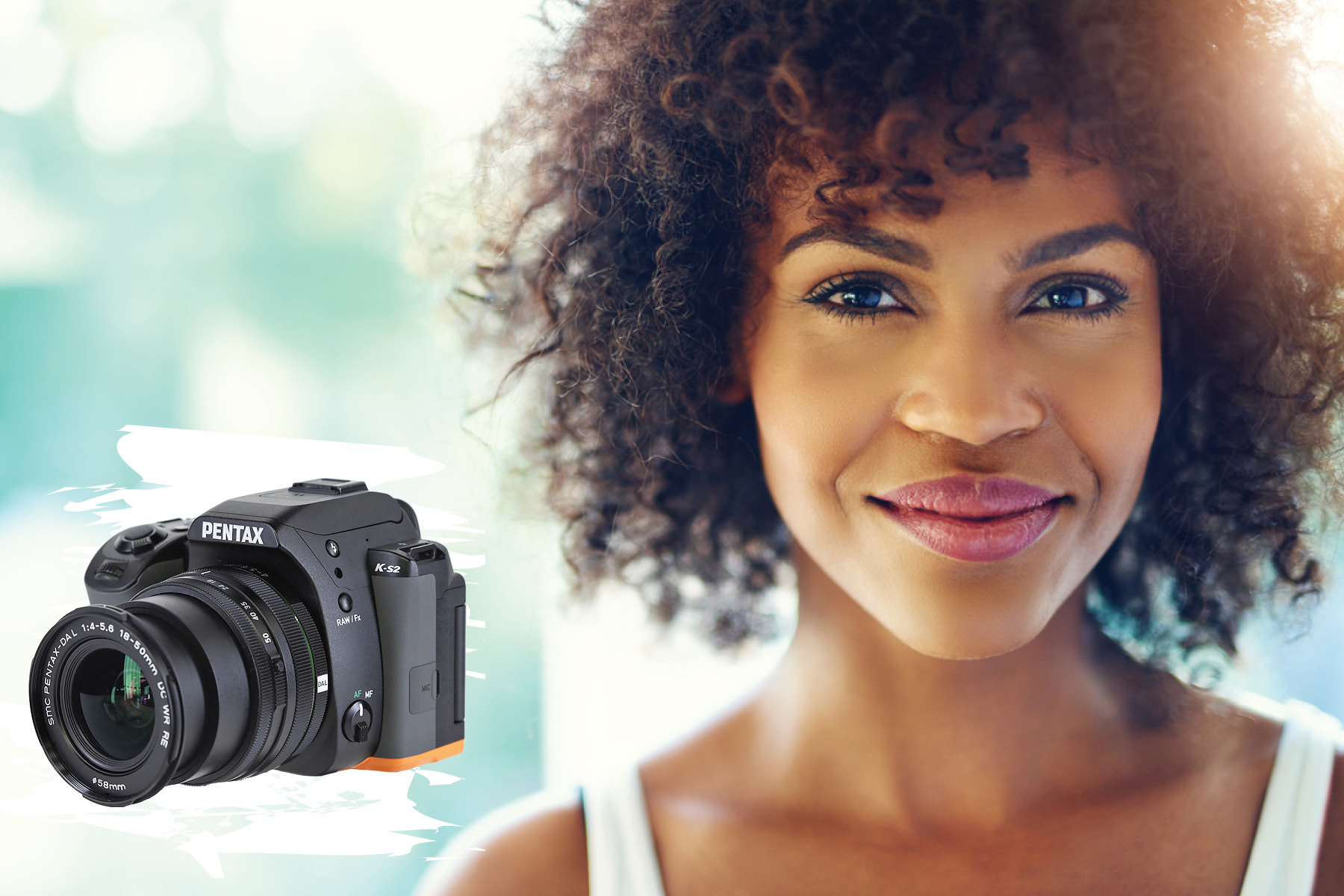
The compact, rugged, K-mount K-S2 Digital Single Lens Reflex with 18-50mm f/4.0-5.6 zoom lens features a 20.1-megapixel APS-C sensor in a weather-resistant body, ideal for active-lifestyle shooters who want versatility in a lightweight package. Built-in Wi-Fi allows wireless image transfer and camera control with your mobile device. Its Sensor-Shift image stabilization limits the camera shake that results from slower shutter speeds, as well as full HD 1080p video recording at up to 30 frames per second.
Enhanced image capture comes courtesy of high-speed auto-focusing, and extreme angles simplified by a variable-angle swing-out LCD monitor for reviewing and composing images. With a maximum shutter speed of 1/6000 second and continuous shooting rates of up to 5.5 frames per second, the K-S2 features advanced HDR and clarity enhancement modes for even more detailed and cleaner photographs with maximized dynamic range. Compatibility with Eye-Fi wireless flash memory cards makes sharing self-portraits captured with the selfie-button a snap.

A favorite take-along camera among professionals, the Lumix DMC-FZ2500 boasts a mix of advanced photographic capabilities, starting with its far-reaching super-telephoto Leica Vario-Elmarit f/2.8-4.5 zoom lens. With state-of-the-art sharpness delivering stunning results over an incredible 24-480mm equivalent zoom range, it’s paired with an outstanding 20.1-megapixel, high-sensitivity sensor providing top-notch video performance, including 4K format, with professional grading capability.
The built-in neutral density filter allows shooting wide-open apertures in bright light for capturing images with creamy depth of field. With creative control modes—including panorama and focus-stacking—too numerous to mention, the possibilities for making extraordinary images with the Lumix are infinite.
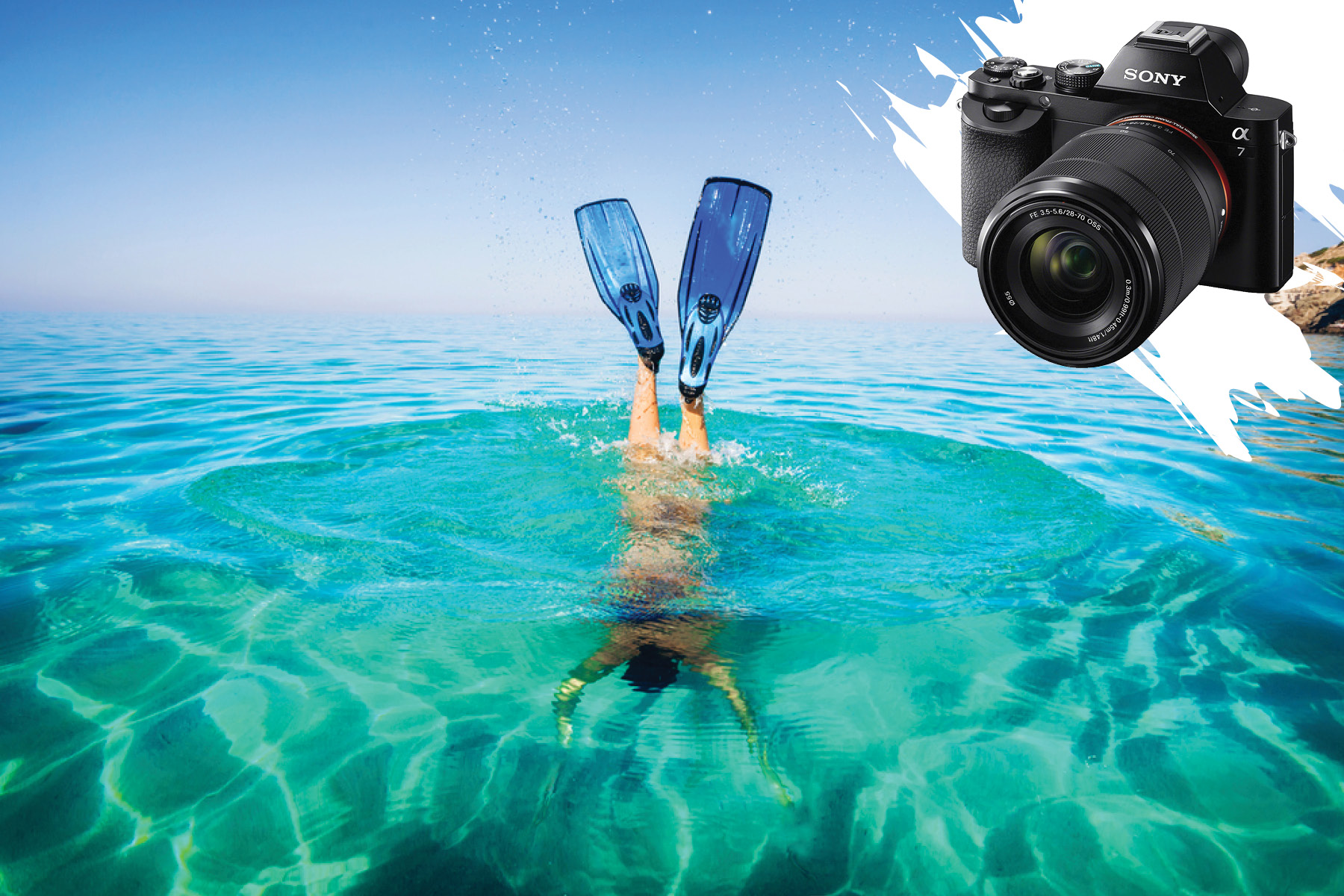
The Alpha a7 is a full-frame (equivalent to 35mm film; APS-C and micro four-thirds cameras use smaller ‘cropped’ sensors) mirrorless body that can be fitted with interchangeable Sony lenses or compatible third-party brands. At 24.3-megapixels, high resolution, richly detailed images—even in low light—are effortless. The enhanced Hybrid Autofocus system combines a 117-point phase-detection autofocus system delivers speed and accuracy for capturing the decisive moment.
Sony’s amazing Eye AF Control offers precise eye-detection that place focus directly on the subject’s eye, even when partially turned away. Complete with full-feature video and audio capability, all Wi-Fi enabled for easy image transfer and remote control from smartphones and tablets. Go for the Alpha a7 kit which includes the new FE 28-70mm f/3.5-5.6 optical SteadyShot E-mount lens. This wide-to-portrait zoom incorporates image stabilization for shooting at low shutter speeds.

Loaded with a high-resolution 24.2-megapixel sensor, the compact T6i DSLR punches above its weight class, delivering pro-grade stills and video. With Canon’s versatile 18-55mm standard zoom lens it’s ready for everything from bright sunlight to dim nighttime settings. Wi-Fi connectivity allows for wireless transfer of images and video to social networks and cloud storage via the Camera Connect mobile app, with Near Field Connectivity enabling fast connections to mobile devices.
The Movie Servo auto-focus mode allows for smooth and silent continuous AF in video mode when paired with an STM-designated lens, Canon’s Stepper Motor technology designed specifically for video shooting. The T6i is a full-frame camera ideal for low-budget filmmaking, travel, and photojournalism, and compatible with Canon’s excellent full line of specialty prime and zoom lenses.

The D610 occupies the sweet spot between entry-level full frame DSLRs and professional outfits like Canon’s 5D Mark III and Nikon’s D810—even outperforms those bad boys with a faster burst rate and a much lower price barrier for entering full-frame professional-level DSLR photography. It features an FX-format 24.3-megapixel sensor for high-resolution stills and full HD 1080p video with magnificent image detail and impressive low-light sensitivity with wide dynamic range for smooth color and tonal gradations.
With a continuous shooting rate of 6 frames per second and a quiet shooting mode that allows sequential recording minus the prism mirror slap. Get the kit including the superb Nikkor 24-85mm f/3.5-4.5G ED VR (Vibration Reduction), wide-angle to portrait-length zoom lens.

Considered one of the best compact travel cameras ever, the no-compromise Leica Q (Typ 116) sports a full-frame 24.2-megapixel sensor within its portable, exquisitely designed body. Powered by the Leica Maestro II series image processor, you can fire away professional-grade images at the blazing rate of 10 frames per second.
The camera features that oh-so-special Leica glass, in this case, a fixed Summilux 28mm f/1.7 lens that, when used wide-open, allows for dramatic separation of subjects from the background. Its electronic viewfinder is class-leading with live through-the-lens viewing in addition to fully manual controls using the aperture and focus rings on the lens. Auto focus is instantly available at the click of the shutter or via touchscreen LCD monitor by tapping on the subject. Image sharing is simple with the integrated Wi-Fi module.
The Q also features an NFC chip for tap-to-connect functionality with compatible devices and the free Leica Q app lets you take remote control of the camera for adjusting exposure while shooting from extreme angles. The Leica Q’s intuitive, minimal design, compact form, and leading-edge technology conspire to produce optimal image quality, which all make you look good.
