5 Ways to Protect Your Facebook From Hackers
Ink Drop/Shutterstock
READ THIS NEXT: If This Pops Up on Your Computer, Turn It Off Immediately, FBI Says in New Warning .
Tero Vesalainen / Shutterstock
You probably know that you should have a strong password for all of your online accounts, including Facebook, and that you should switch it up regularly. But even if you don’t heed this advice, after you enter your password, two-factor authentication should be nonnegotiable.
“Two-factor authentication means that you receive either a text message or email containing a unique login pin number for that specific session,” says Wes Anderson , online privacy expert and managing partner for private intelligence firm Reveille Advisors. “This ensures that you know when your account is being accessed because if you get a request for login prompting it, you can assume someone’s trying to breach the account now.”
If you receive one of these messages and didn’t log in, you should change your password immediately, as your account is likely vulnerable, Anderson says.
Shutterstock
If you want to keep your Facebook safe and avoid a long conversation with customer service, you should also monitor your account’s login history, experts say.
“By doing so, you can quickly identify any unauthorized access to your account and take appropriate action to prevent further damage,” Vance Tran , co-founder of tech advice site Pointer Clicker, tells Best Life . “You can review your logged-in history to see if there are any unrecognized devices or locations accessing your account. If you find any, you can log out of your account on those devices to prevent any further unauthorized access.”
You can look at past logins by clicking on Settings & Privacy, then Activity Log, and then Active Sessions. This will populate a list of all of your active sessions and logins.
READ THIS NEXT: Never Use Autopay for These 6 Bills, According to Financial Experts .
AngieYeoh / Shutterstock
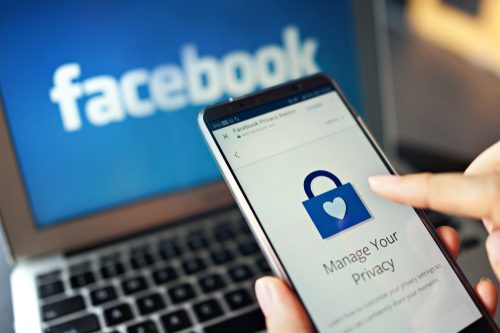
“Unless you’re a professional influencer who requires transparency to make a living, you do not need to disclose to the open internet your high school, date of birth, daily check-ins, and more,” he explains. “When your information is public, that also means that Google can crawl the profile and index your information.”
These details can also help hackers guess the answer to any security questions you may have in place, Anderson warns.
“Many of those details can be used by bad actors to deduce your security question answers that may be in place to prevent hacking, but you’ve inadvertently shared that info freely to help them!” Anderson says. “I see absolutely no reason to ever share your email address or phone number on any public-facing site. If someone wants to connect with you, they can message you through the platform. Don’t make it easy for people to learn your specifics!”

iStock / fizkes
Scammers are sophisticated these days—and they know how to tug on your heartstrings to get what they want. To keep yourself protected, think twice before you answer random messages.
“Do not respond to any request from friends or family members who ask for money!” urges Steve Tcherchian , chief information security officer and chief product officer at cybersecurity solutions company XYPRO. “Whether it’s to pay rent, or because they have a flat tire and need money to get it replaced, it’s almost always a scam.”
You might also get messages that appear to be from Facebook, but again, are simply a ruse.
“It’s important to exercise caution when opening emails, even if they appear to be from ‘Facebook,’” Tran says. “To ensure the authenticity of an email from Facebook, you can navigate to the Settings section of your Facebook account, select Security and Login, scroll down to the Advanced section, and click on the View button. This will allow you to verify whether Facebook has sent you an email.”
pixinoo / Shutterstock
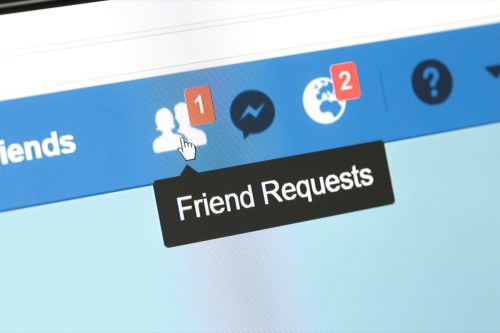
As Facebook is a social networking site, you probably use it to stay in touch with others. It’s always nice to get friend requests from loved ones or acquaintances, but according to security experts, you need to give these requests a once-over before clicking accept.
“Be wary of receiving friend requests from people whom you are already friends with—this could be an imposter,” Tcherchian says, adding that you should also avoid accepting requests from anyone you don’t know.
